


Let's develop a better future for computing education together.
Easily deliver computing courses and labs with editable interactive texts (ours or yours), auto-graded assessments, and support—designed to reduce course admin and enhance learner outcomes.

Trusted by















No-hassle cloud labs
Create browser-based computing labs in any language, including AI model training and application with GPU-accelerated instances. Spin up unlimited Windows and Ubuntu VMs, auto-grade JupyterLabs, distribute RStudio assignments and data sets, and offer real-world IDE experiences with VSCode.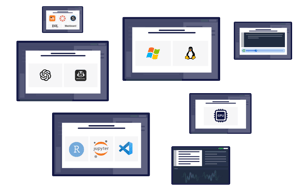
Deliver truly hands-on learning experiences
Through genuinely interactive computing learning experiences with instant learner feedback, Codio unlocks higher levels of learner engagement while eliminating course admin and grading burdens.

Happier learners, less grading and admin
Independent research has found that "the use of Codio has coincided with a steady increase in student performance and satisfaction as well as far greater data on student engagement and performance" (Croft & England, 2019).

Create engaging courses in minutes
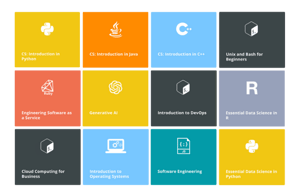
Editable, interactive courseware in Python, C/C++, Java, and more—integrated with a professional-grade IDE with auto-graded assessments, instant learner feedback, and intelligent learning analytics.
Promote academic integrity
Detect plagiarism and code similarity with powerful detection tools and behavior insights while preventing academic dishonesty and cheating with individualized and randomized assessments.

Evidence-based tools proven to enhance learner outcomes
Customizable courseware, automated assessments, instant feedback, and research-based instructional tools—seamlessly integrated with cloud VMs and a professional-grade IDE. Auto-Grading & Feedback
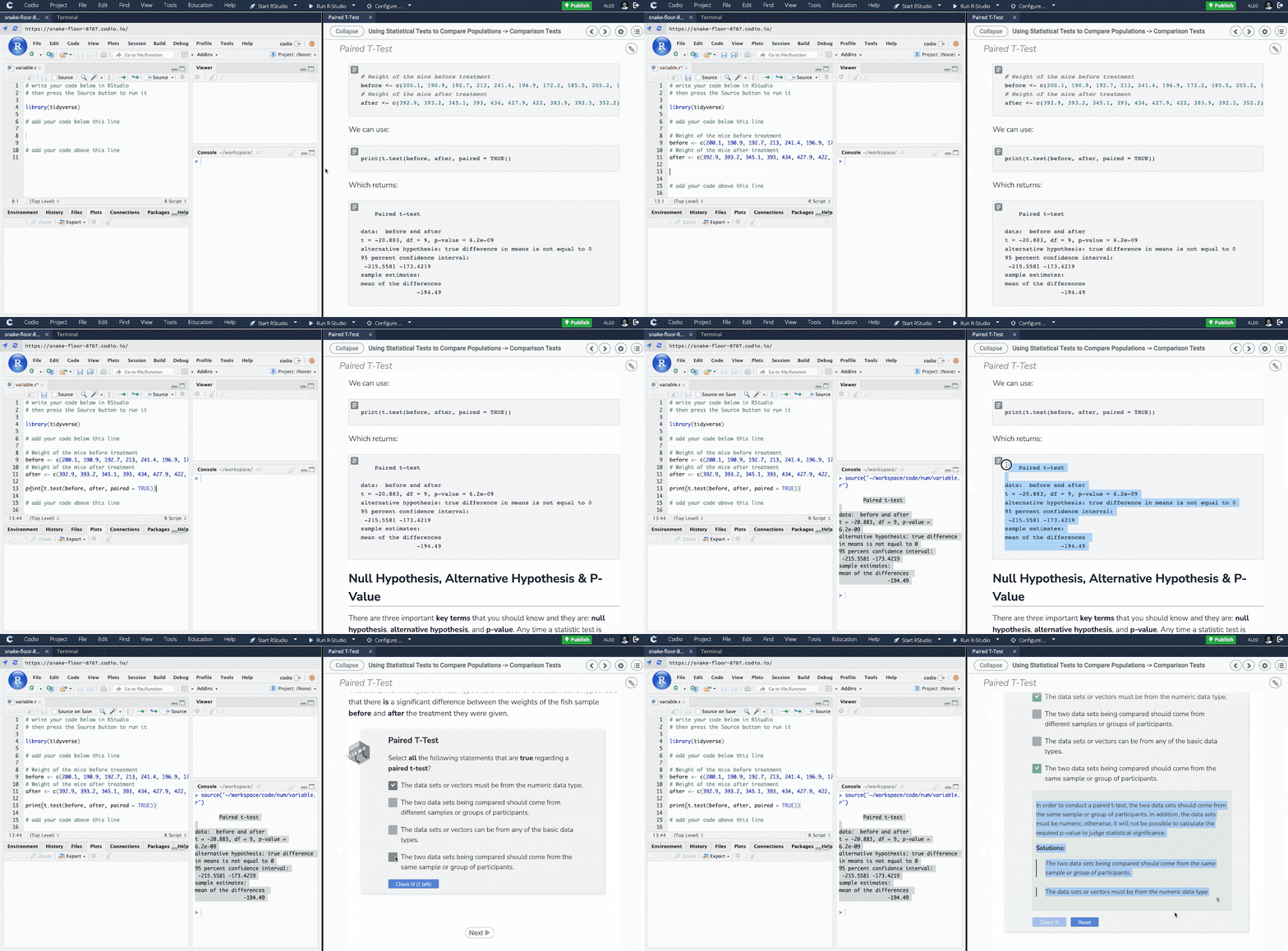
Codio's powerful auto-grading capabilities save valuable time while providing learners with rich, instant feedback.
 Online IDE
Codio includes a fully-featured instant IDE for all students, including debugger tools, dyslexic font capabilities, and more.
 Learner & Behavior Insights
Unlock previously inaccessible learner behavior insights with actionable, research-based visualizations and learner analytics.
 Curriculum Authoring
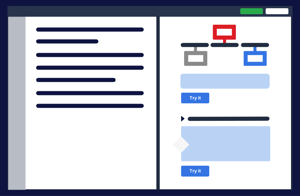
Create your own course content and auto-graded assessments with existing materials, or create interactive content directly within the IDE.
 Plagiarism Detection
Detect plagiarism and code similarity to identify potential cases of cheating between class members.
 Codio Coach
A groundbreaking AI learning assistant designed to help students get unstuck faster and foster independent learning without compromising academic integrity.
 JupyterLab & Notebook
Assign JupyterLabs and Notebooks seamlessly with nbGrader. Instructors set up software easily, and students access their server with a click.
 AI-Ready Infrastructure
Provide a seamless experience for students to explore the intersection of programming and AI, with a focus on real-world applications.
 Virtual Machines
Seamlessly spin up any number of Linux and Windows virtual machines in seconds for specific software use directly in Codio.
 Code Playback
Jump into a student's code and play it back as it was written—even across multiple files.
 Collaborative Coding
Assign group and pair programming assignments with Codio's collaboration features, including code commenting, video chat, and more.
 LMS Integration
Seamlessly integrate Codio with your existing LMS.
Create and deliver engaging hands-on learning experiences
Give students the engaging computing learning experiences they crave with Codio's templated labs, auto-graded assessments, instant student feedback, customizable courseware, and research-based instructional tools.
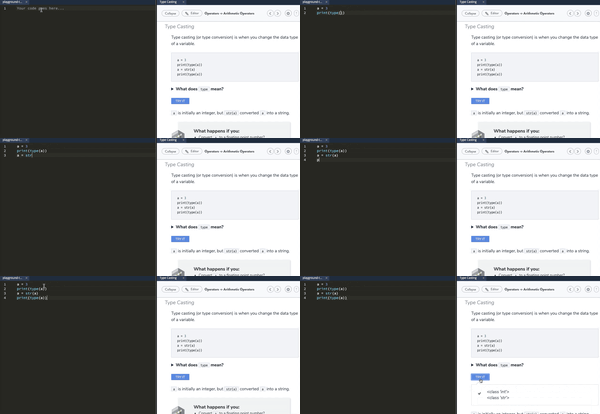
Deliver role-specific simulations of real-world problems
Create and deliver engaging technical training and skill development courses with hands-on simulations of real-world problems.
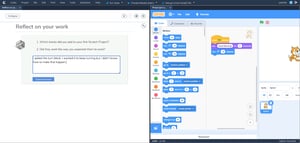
Your programming classroom in the cloud
Everything school teachers need to teach programming and computing skills to students of all skill levels—from block-based and introductory-level programming to AP-level computer science.
Instructors love teaching with Codio


“This semester is the first year we decided to teach a computer programming course to non-Majors. And I immediately wanted it to be Codio. The students are already intimidated by computers and programming. So, I needed an environment that was friendly, accessible and something they can easily grasp.”






“There are so many little things that are making my life so much easier while using Codio. Things I wouldn’t have thought to ask for, like popping into a student’s project live. Overall this is taking less maintenance effort on my end to run the same course, and I’m so happy about that.”










“I plan on revising more of my content for ITCS 1140 and start working on new content for ITCS 1170 Database Design and Implementation using SQL. I'm excited about using Codio for my database class.”


"Codio allowed us to have a complete environment in the cloud. So, if I decided that in the middle of the semester, I wanted to teach prolog, I could install the stack, configure it, and do all of that myself without bothering the staff. It has been a great, great time saver."

See how Codio helps you achieve better learning outcomes
Experience the Codio difference for yourself with a free proof-of-concept demo using your existing assignments or labs.
